QUESTION FOR TUAN:
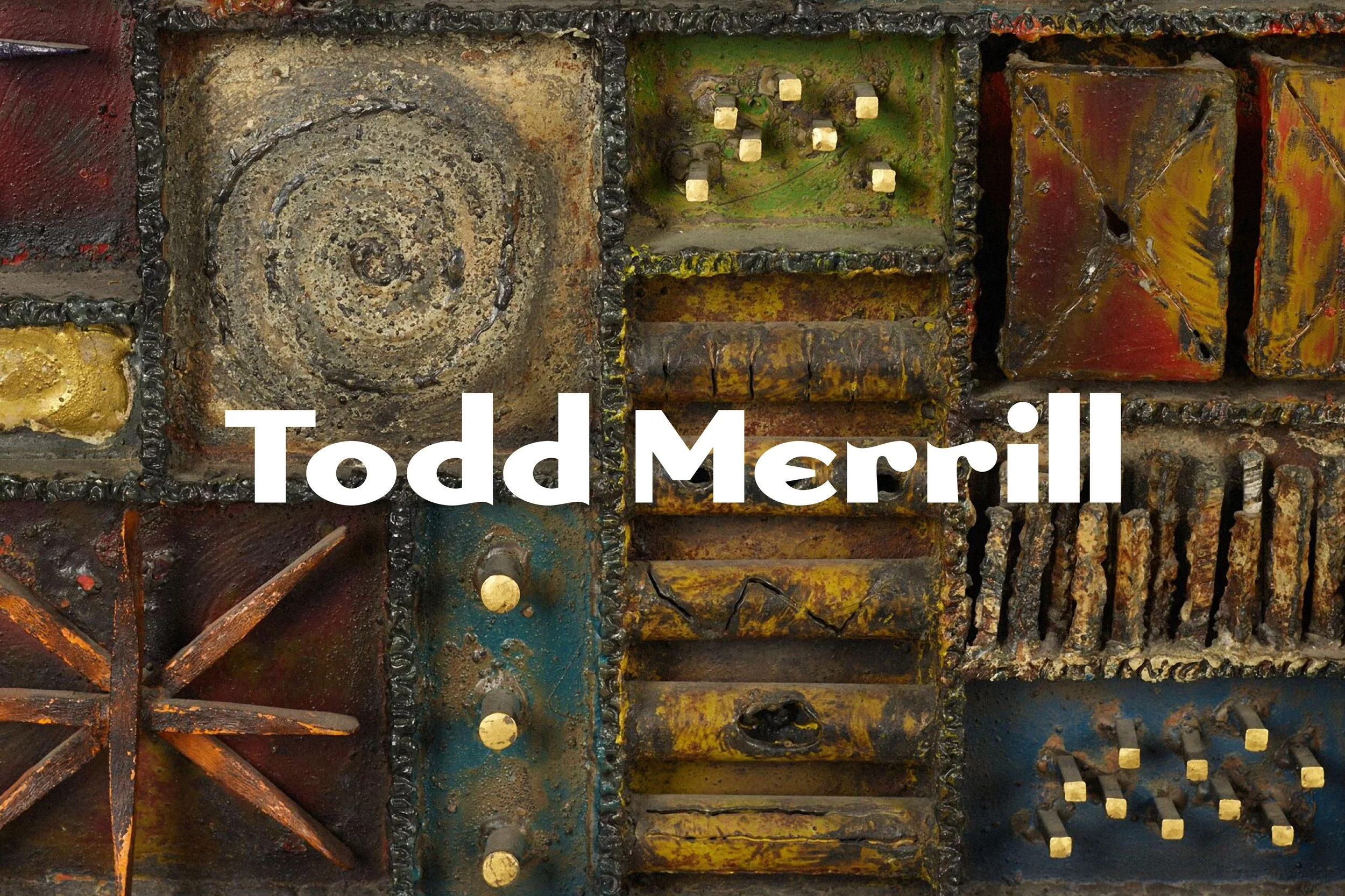
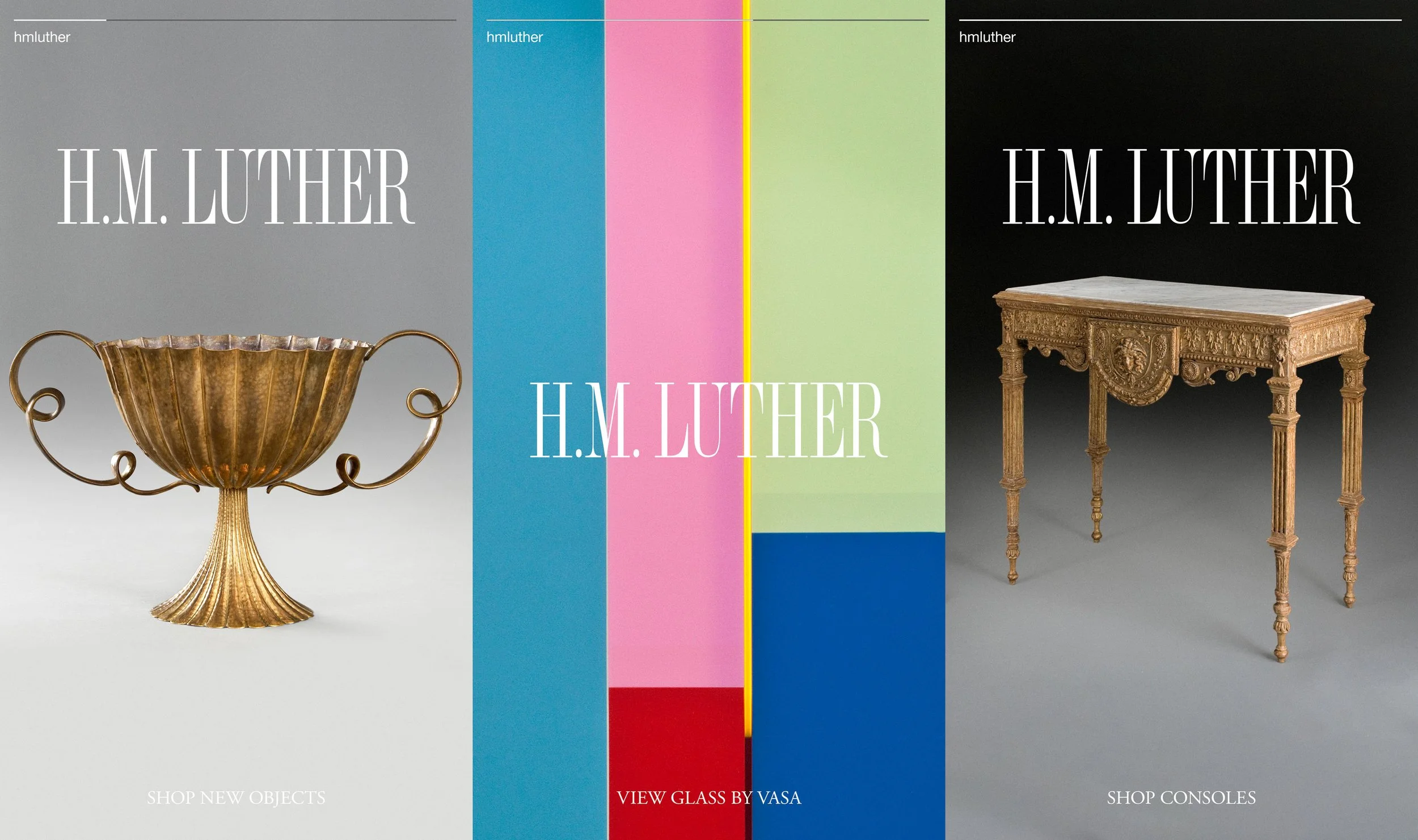
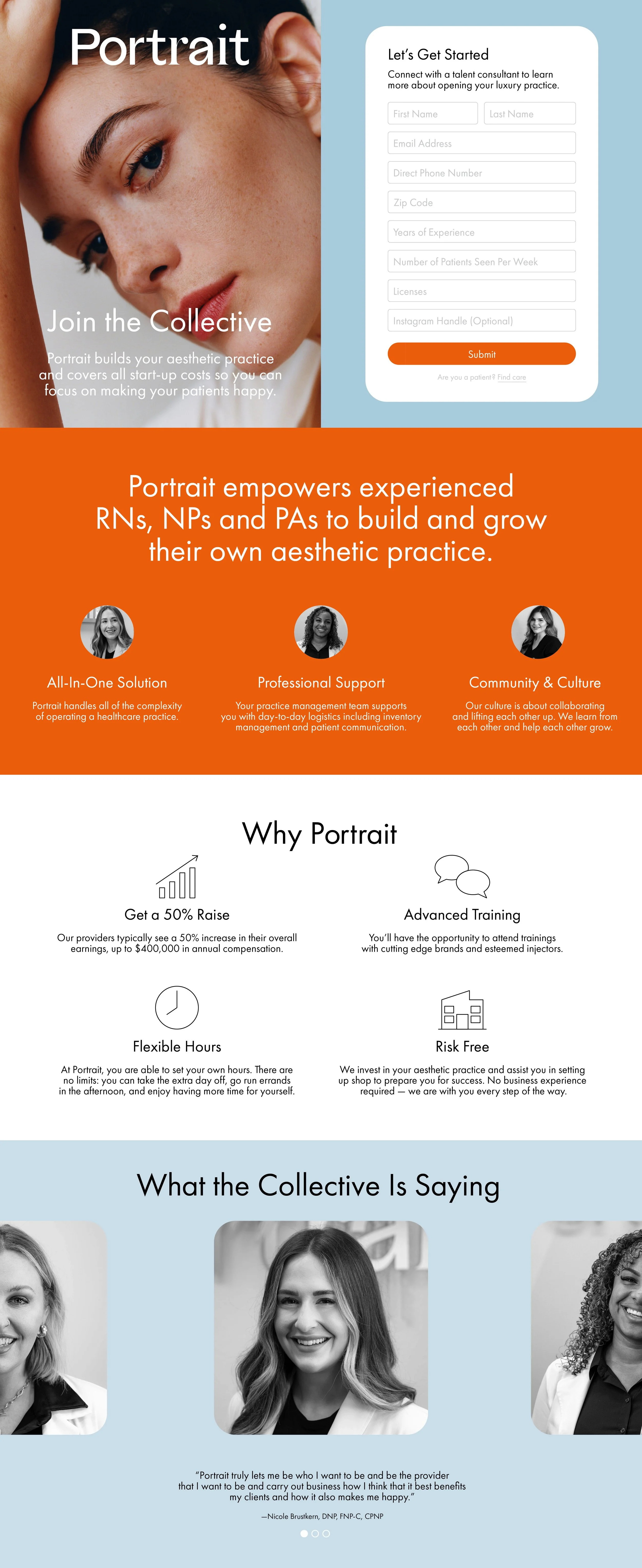
1. How can I adjust the images so they stay uncropped, in their original aspect ratio, and all be the same height within the list section??
2. How can I control/define the height of this section, Ex. 50% vh on desktop and mobile?
3. On mobile, How can I remove the white padding on the images on right and left so the images touch, same on desktop?
Please Note:
A. Under Edit Content > Design > Image Crop > I have selected “Original”
B. Under Edit Content > Design > Size & Space > Position > I have selected to full height justified, and this is still not working.